

























On your phone
Share from the apps you already use. iPhone and Android are an invite-only beta. There is no public store download.
Save from the apps on your phone, save a page from Chrome, Edge, or Firefox, or open Cue on the web. Add a reminder when something needs to come back.
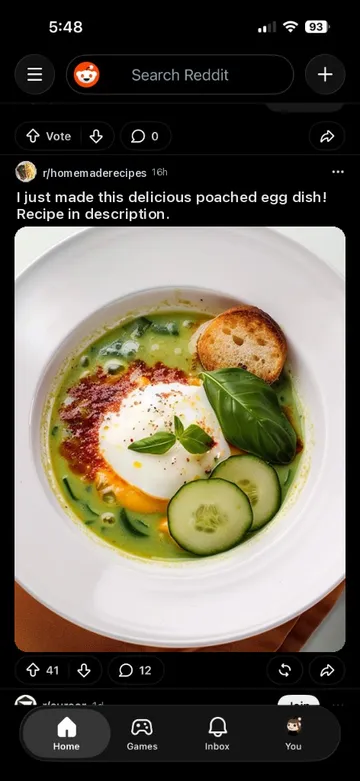
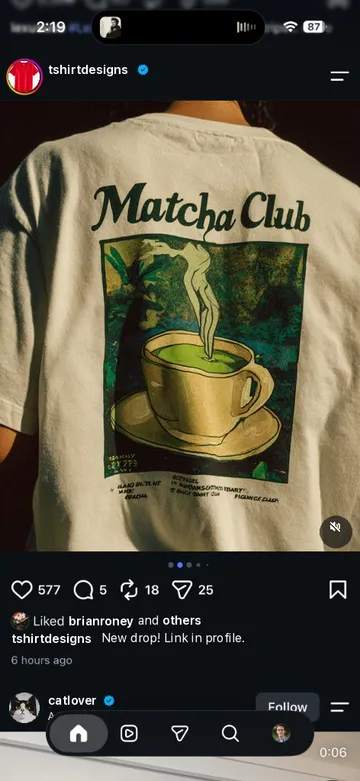
Around the Cue app, fragments from Safari, Chrome, Messages, TikTok, Instagram, Reddit, WhatsApp, Facebook, Photos, and Spotify scatter. Each is shared to Cue and appears as a card in one inbox.
Everything you meant to come back to. One place.
The tab you can’t close. The screenshot you’ll find later. The post saved somewhere. The message you still need to answer.
If it matters, save it to Cue and keep moving.
See something you want to keep?
Tap Share in the app you’re already in.
Choose Cue when you share.
Save and get back to what you were doing.
ArticlesWorkoutsRecipesProductsMusicPlansMessagesScreenshots
Where you found it doesn’t matter anymore. It’s all waiting in Cue.

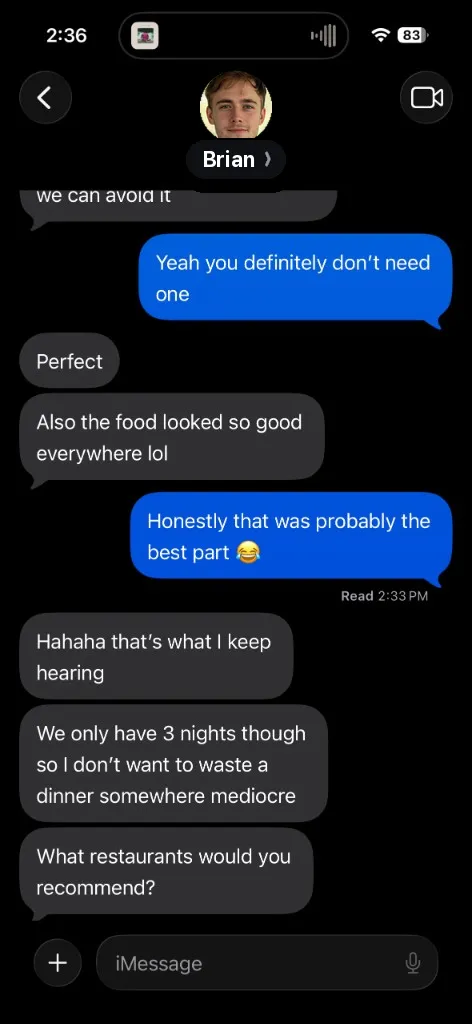
What restaurants would you recommend?

A Local's Guide to San Francisco

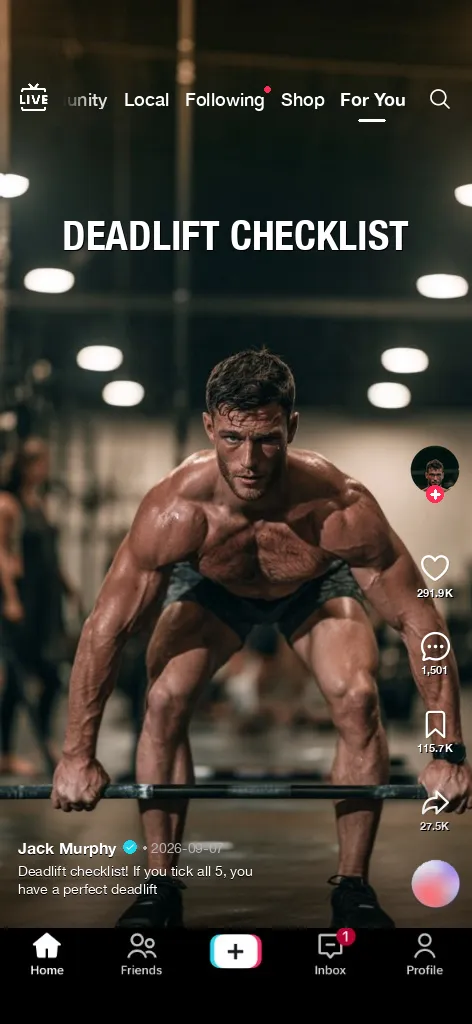
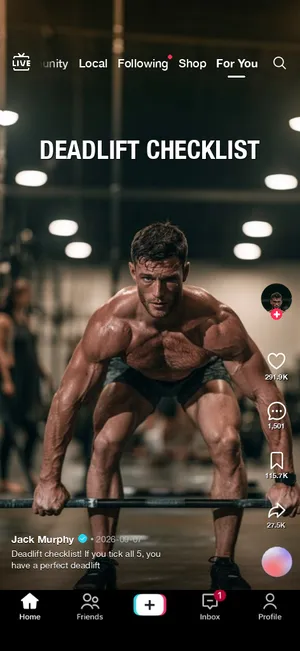
Deadlift checklist
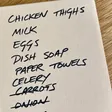
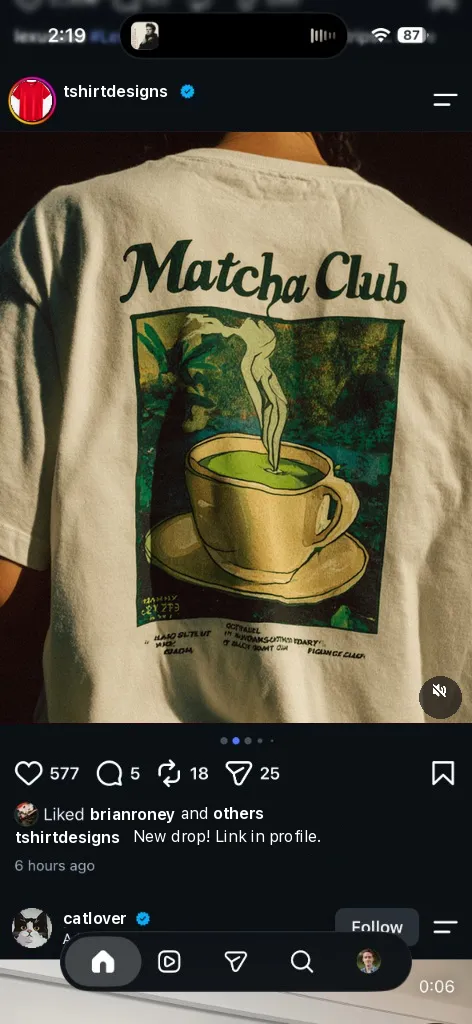
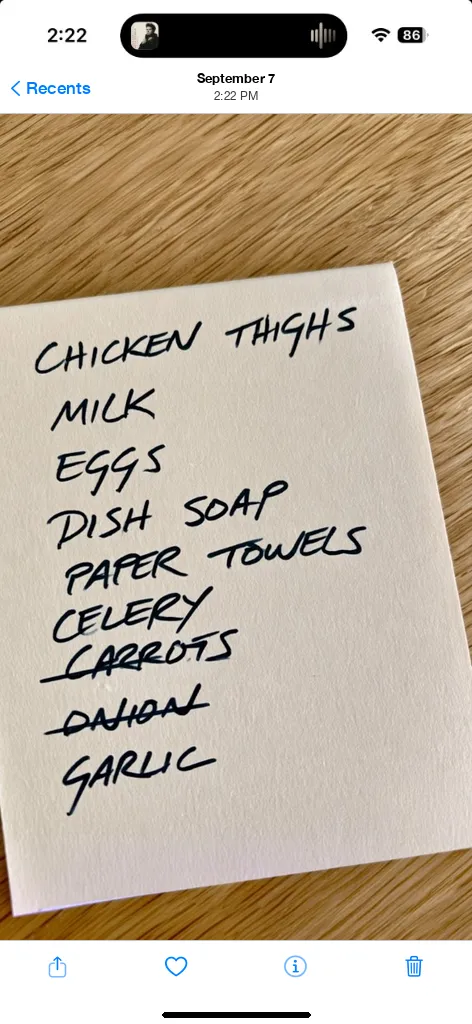
Shopping list

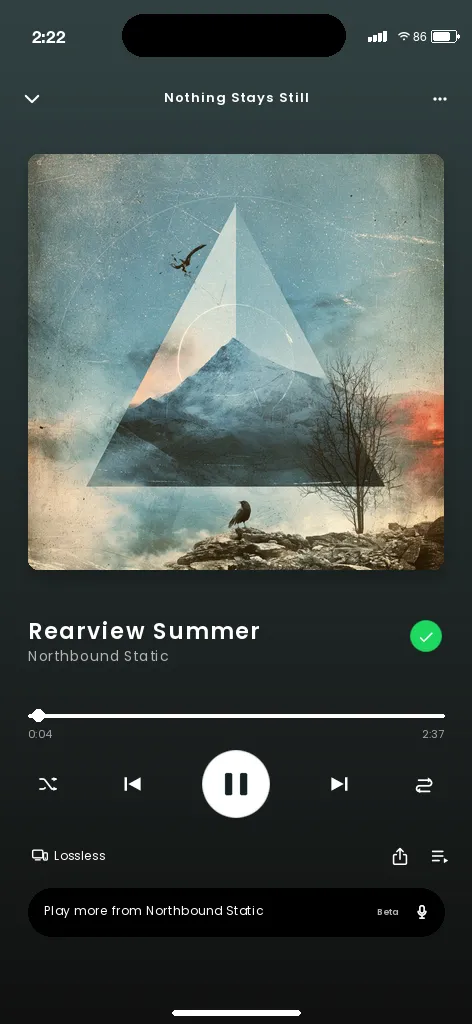
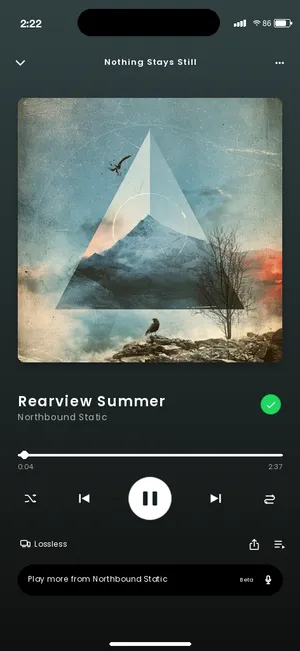
Rearview Summer
Something can matter without needing your attention right now.
Save the shirt before you decide whether to buy it. Keep the restaurant until you’re making plans. Hold onto the workout, recipe, article, song, or idea until you actually have time for it.
Not now doesn’t have to mean never.
Some things just need a place to live. Others need to come back to you.
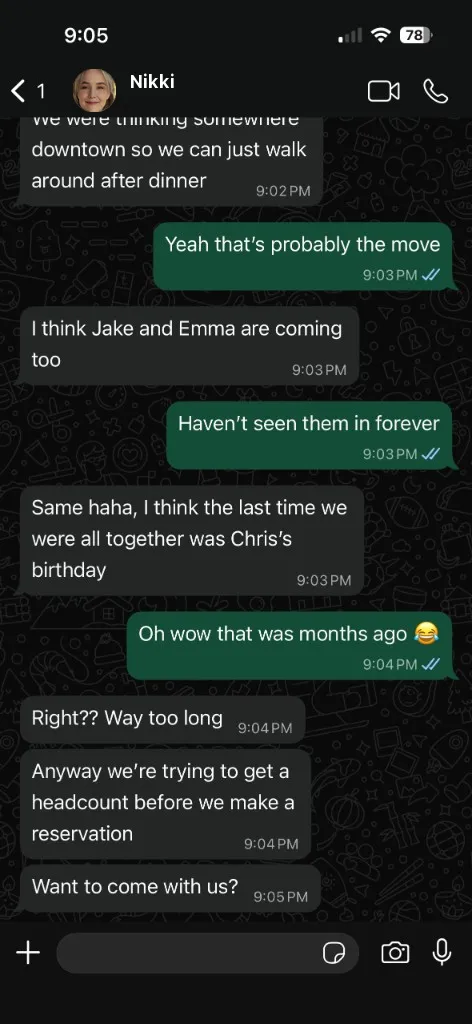
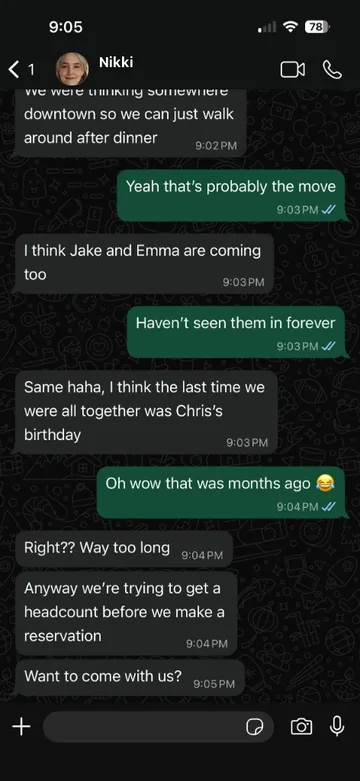
Can’t answer a message right now? Take a screenshot, share it to Cue, choose In 1 hour, and keep moving. When the reminder fires, Cue brings the saved context back so you can pick up where you left off.
Or choose Today, Tomorrow, or a custom time for anything else you want to revisit.
You don’t have to remember to check Cue.
Item reminders are always optional.
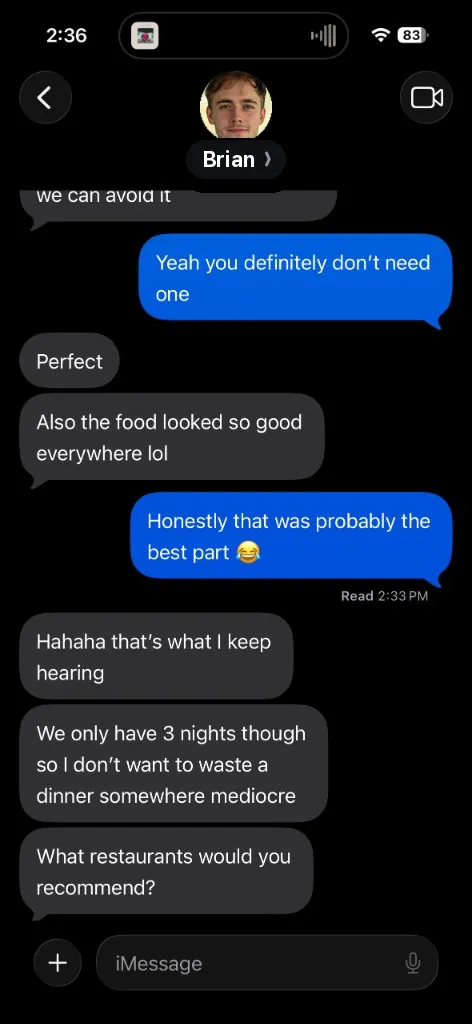

Message from Brian
Screenshot · Messages
Cue gives them somewhere to go.
Cue's beta is currently free and available to testers in the United States. That includes the iPhone app, the Android app, Cue on the web, and the browser extensions. One Cue. Everything included.
Planned public-launch pricing
$39.99/year
$3.33/month · Save about 33%
$4.99/month
Planned for public launch.
One place to save what matters, wherever you found it.
Links, articles, posts, products, songs, messages, text, and photos or screenshots — anything you can share from the apps you already use. On your phone, Cue accepts one link, a block of text, or one photo per share. The browser extension saves a page, selected text, or a link. It does not save a photo or a screenshot.
Cue works with your phone’s built-in share menu, so it works with supported content shared from apps such as Safari, Chrome, Messages, WhatsApp, Instagram, TikTok, Reddit, Facebook, Spotify, YouTube, and Photos. If an app can share a link, text, or an image, it can share to Cue. Cue labels saves from well-known apps automatically so you can filter by source later.
Desktop Chrome, Edge, and Firefox use the Cue extension instead of the phone share menu. The extension does not read other tabs or your history.
No. Save something without a reminder and it stays in Cue until you want it — you’ll find it under No reminder. When something does need to come back, choose In 1 hour, Today, Tomorrow, or a custom date and time.
Yes. Take a screenshot of the conversation, share it to Cue, and choose when you want to come back — In 1 hour is made for this. Cue recognizes supported Messages screenshots on your phone and can title the save after the person (“Message from Sam”). The screenshot stays on your device. If you’re signed in, that reminder title may sync with the rest of your Cue data.
When the reminder fires, the screenshot is right there so you can pick up where you left off. Cue never reads your messages in the background; it only sees what you choose to share.
Cue is in beta on iPhone, Android, the web, and as a browser extension for Chrome, Edge, and Firefox. The beta is for testers in the United States. iPhone and Android are invite-only. Chrome and Edge install from a beta link and are not in store search. Firefox is a private beta without a public download page.
Your signed-in items, notes, folders, and reminder times use the same account. Photos and screenshots stay on the phone that saved them. The web app and the extension need that account. Sign-in on the web is email and password.
Cue only receives what you choose to share to it — it never scans your messages, browser, photos, or other apps. You can use the phone app without an account; in guest mode, saved Cue content stays on that device. Guest mode is the phone app. The browser extension saves only after you sign in, and only the page, selection, or link you chose.
Images and screenshots you share with Cue remain on your device and are not uploaded to Cue’s cloud storage. Cue analyzes supported screenshots on-device. Detailed screenshot-recognition data stays on your device. If Cue uses recognized information to create ordinary reminder content — for example, a title such as “Message from Sam” — that reminder title may sync with the rest of your Cue data when you’re signed in.
If you create an account, reminder and folder information needed to sync across devices is stored with our cloud provider. Cue does not sell your personal information or use your saved content for advertising. We use limited product analytics and crash diagnostics; those events are designed not to include the contents of your reminders, notes, shared text, or saved URLs. See the Privacy Policy for the full picture.
In beta for testers in the United States. Cue is free during beta.
Share from the apps you already use. iPhone and Android are an invite-only beta. There is no public store download.
Save the page you are on, text you select, or a link you choose. The extension needs a Cue account. It does not save a photo or a screenshot.
Chrome and Edge are beta links. They do not appear in store search.
Firefox is a private beta. There is no public download. Request Firefox beta access or email hello@sharetocue.com
See what you saved and add a reminder. Sign in with email and password.